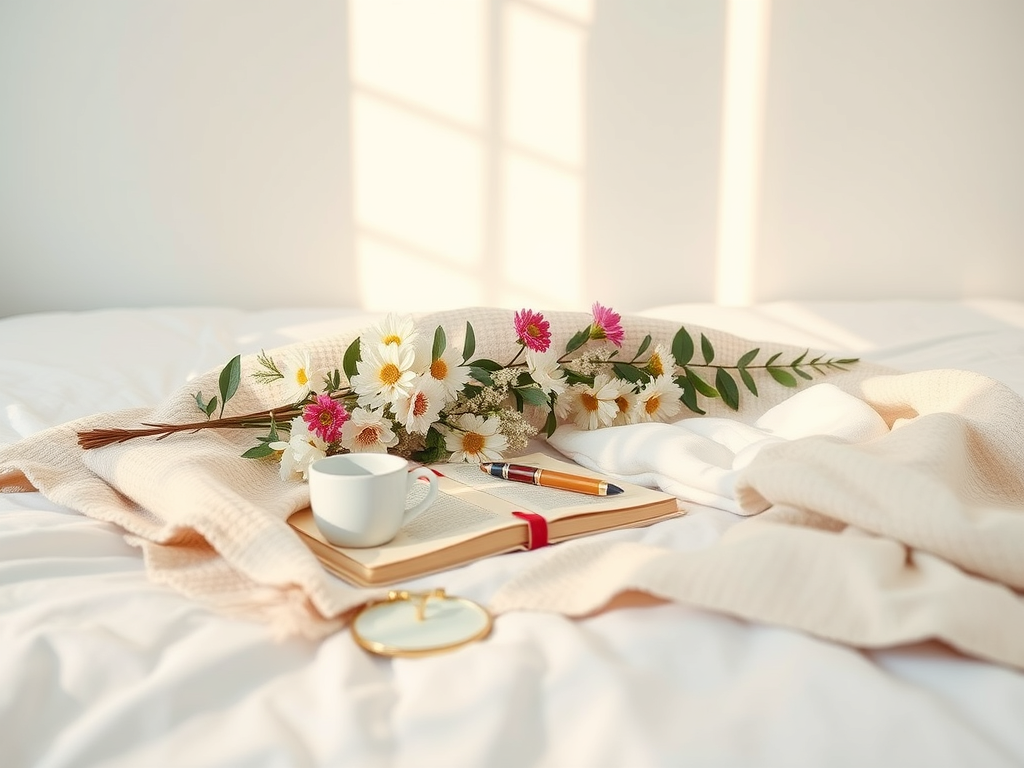
Pinterest photos always look clean, bright, dreamy, and perfectly put together. The good news? You can create this exact style using just your phone. Here’s a simple step-by-step guide to get the Pinterest vibe every time.
🌿 1. Choose a Simple, Clean Background
Pinterest photos never look messy. They usually use:
- White walls
- Bedsheets or blankets
- Minimal desks
- Clear countertops
- Outdoor greenery
Tip: If your background looks too busy, move 3–4 steps away from it to blur it more.
☀️ 2. Use Natural Light Only
Pinterest = soft + natural.
Avoid overhead lights.
Best lighting:
- Morning light
- Golden hour
- A bright window
- Outdoors in shade
Stand toward the window, not with the window behind you.
📱 3. Use the Right iPhone Camera Settings
Use these for the Pinterest look:
- Portrait mode (for blurry background)
- 0.5x (for wide, aesthetic shots)
- Adjust exposure → Tap screen + slide down slightly (gives soft dreamy vibe)
Try this:
Turn on grid lines → Settings → Camera → Grid
This helps you line up your photo perfectly.
🌸 4. Add Aesthetic Props
Pinterest photos often include small, soft props like:
- Coffee cup
- Flowers
- Candles
- Books
- Blankets
- Journals
- Mirror
- Minimal decor
Keep it simple—2–3 props max.
📐 5. Use Aesthetic Angles
Almost all viral pins use these angles:
⭐ Flat Lay Angle
Shot from directly above (perfect for books, journals, skincare).
⭐ Side Angle
Shot from the side, capturing depth + blur.
⭐ Mirror Angle
Clean mirror, simple outfit, bright lighting.
⭐ Slight Tilt
Tilt the camera a tiny bit for an editorial vibe.
Avoid straight-on “plain” shots.
🎨 6. Edit with a Soft, Clean Style
You don’t need heavy editing.
Use free apps:
- Lightroom Mobile
- Teal & Cream preset style
- Soft & Warm vibe
- Add + clarity very lightly
- Lower contrast a bit
- Raise exposure
- Add warm tone if needed
Pinterest photos are:
- bright
- low contrast
- warm
- airy
🧺 7. Add Texture + Layers
What makes a photo “Pinterest”?
Layers like:
- blankets
- books
- plants
- shadows
- jewelry
- movement
It makes the photo feel cozy and “lived in.”
💡 8. Stick to a Color Palette
Pinterest photos look cohesive because they use similar colors.
Good palettes:
- Beige + white + brown
- Pink + cream
- Gray + white
- Green + brown
- Soft pastels
Pick 2–3 colors and keep everything matching.
📌 9. Think of a “Moment,” Not a Pose
Pinterest photos look natural because they feel like little moments.
Try:
- holding a coffee
- writing in a journal
- adjusting your hair
- walking away from the camera
- looking down
- holding flowers
Movement > stiff posing.
📤 10. Shoot 10–20 Options, Then Pick the Best
Pinterest creators shoot a lot of variations.
Change:
- angles
- distance
- lighting
- props
- hand placement
Pick the cleanest, brightest, most aesthetic photo.
✨ Final Tip
You don’t need a fancy camera.
You just need:
✔ clean background
✔ natural light
✔ soft editing
✔ aesthetic colors
✔ simple props
That’s the Pinterest vibe. It’s that easy !
Leave a Reply